
I’ve been fascinated with designing menus and user interfaces for as long as I can remember. I love the challenge of balancing functionality with design. Rather than wait for the perfect project to come along, I built my own coffee shop and animated screens demo to try out my ideas.
The inspiration came while I was waiting in line at a café that used digital screens to display their menus. They were presented as static images, which works well enough, but I couldn’t help thinking that the screens could do more. When customers are standing in line with nothing to do, it’s an opportunity to inform and interact with them.
I built out my coffee shop, modeling the counter, walls, screens, espresso machine, cups, display care, and register. The painting is from a photo that I took of "Interior with a Dog" (1934, by Henri Matisse) at the Baltimore Art Museum. No AI involved here; whatever didn’t come from BlenderKit, I built myself.
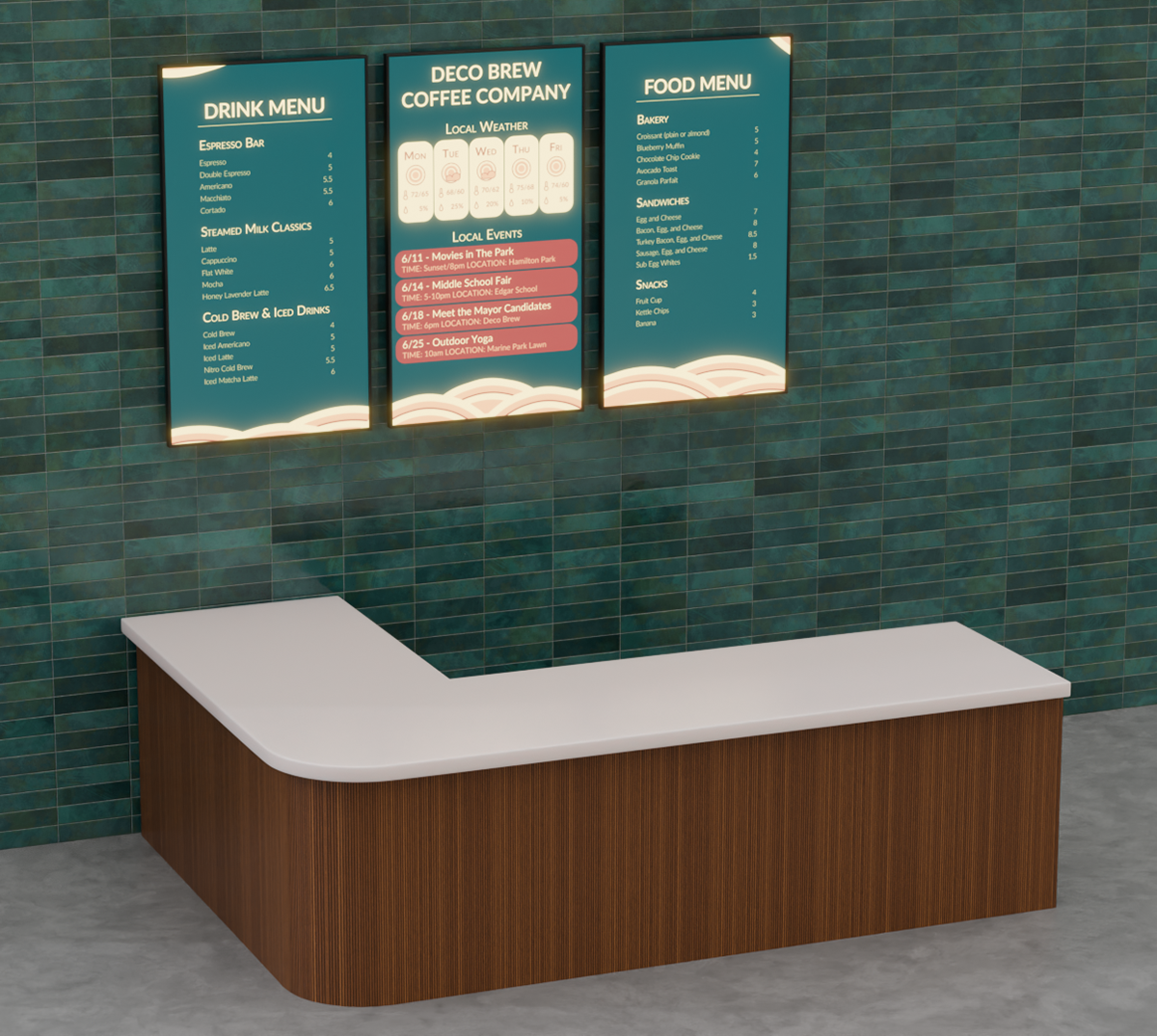
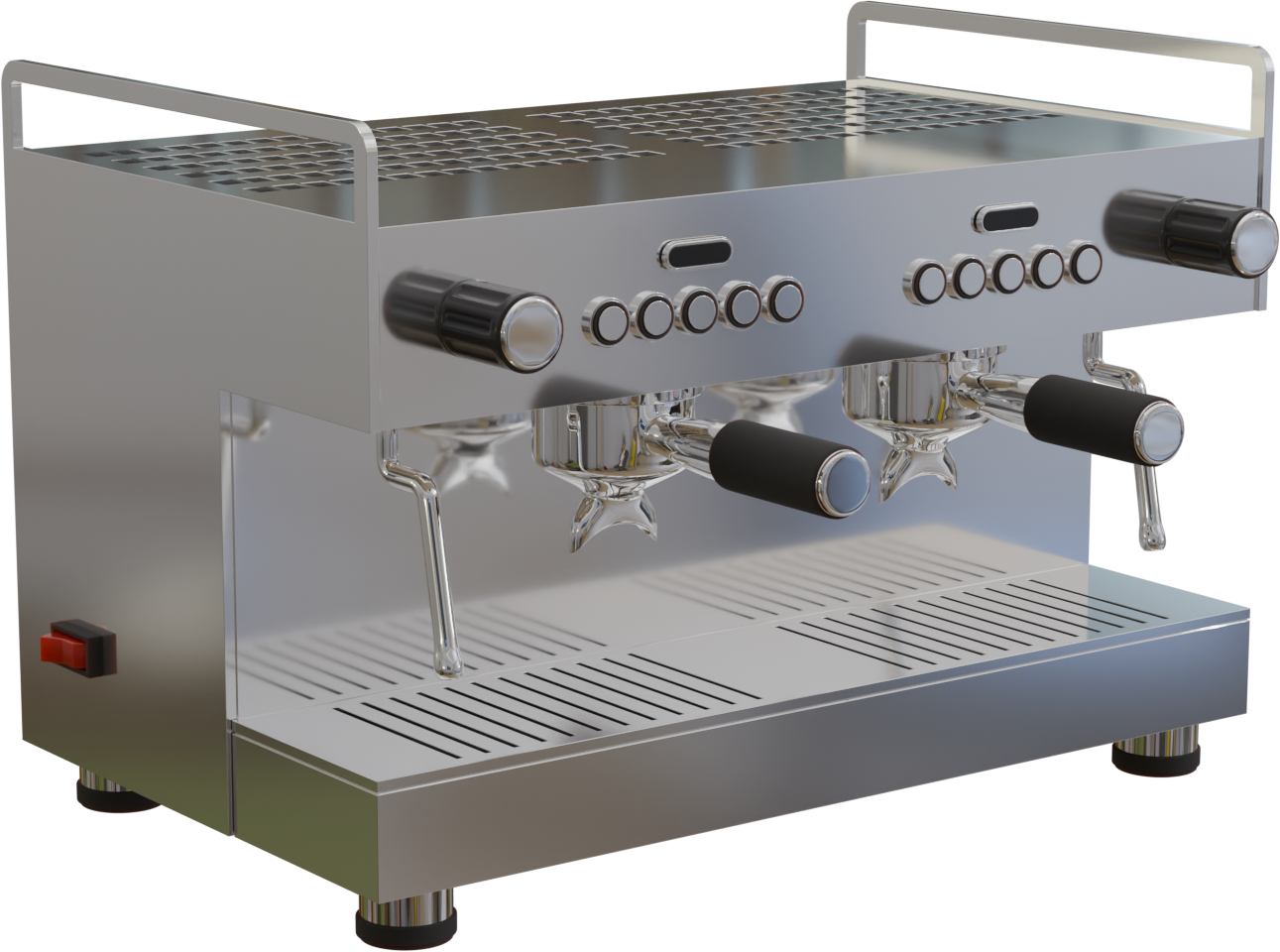
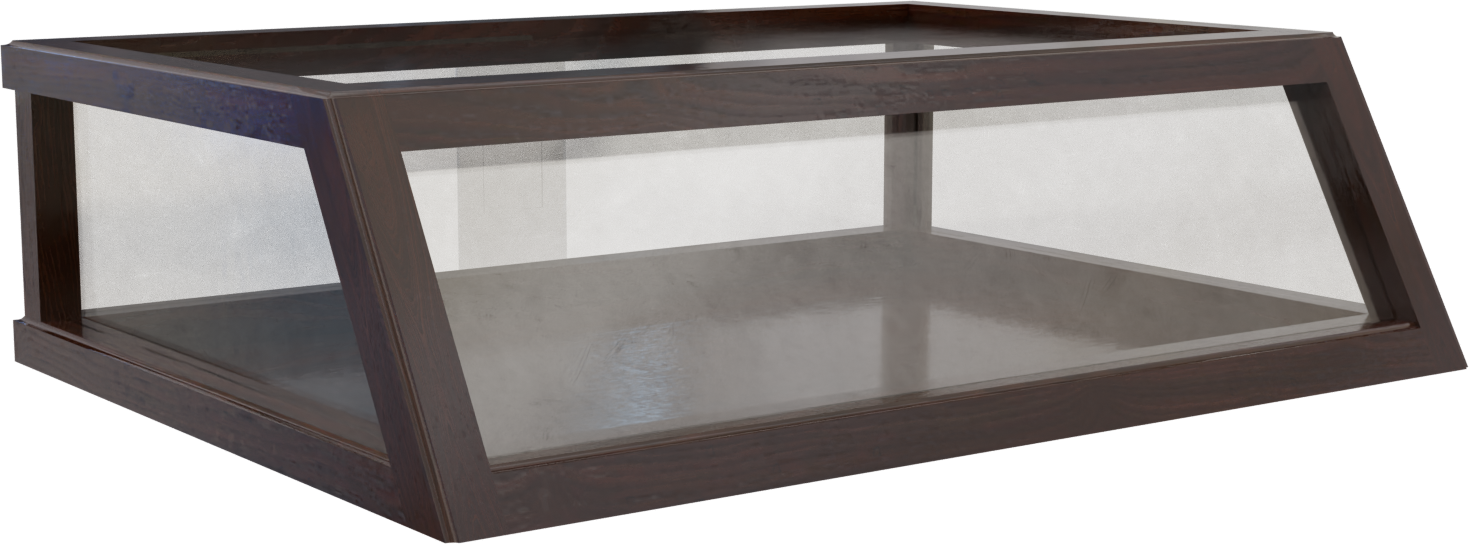
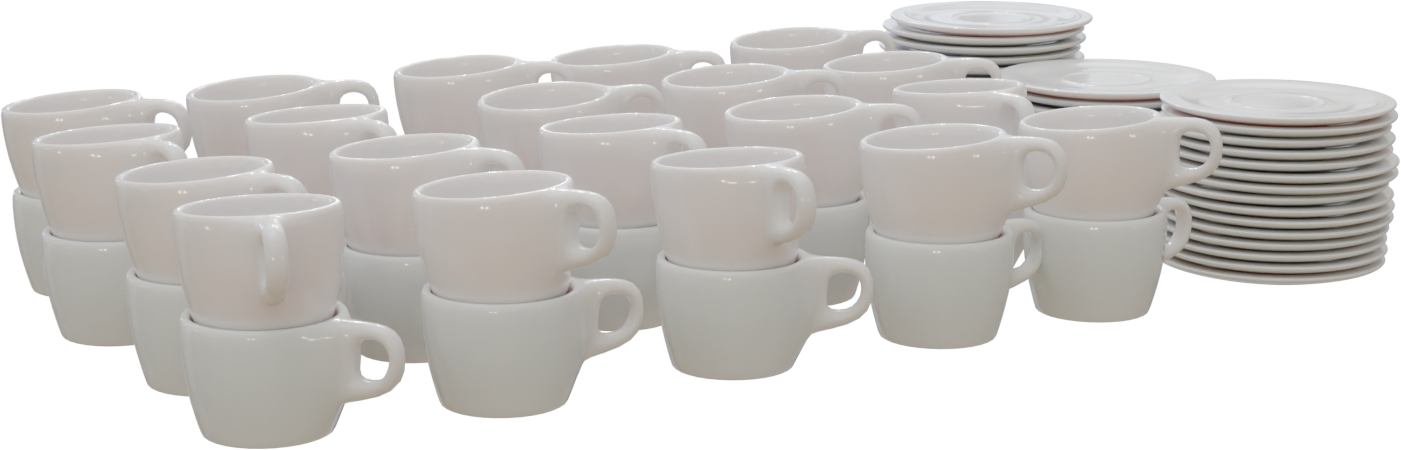
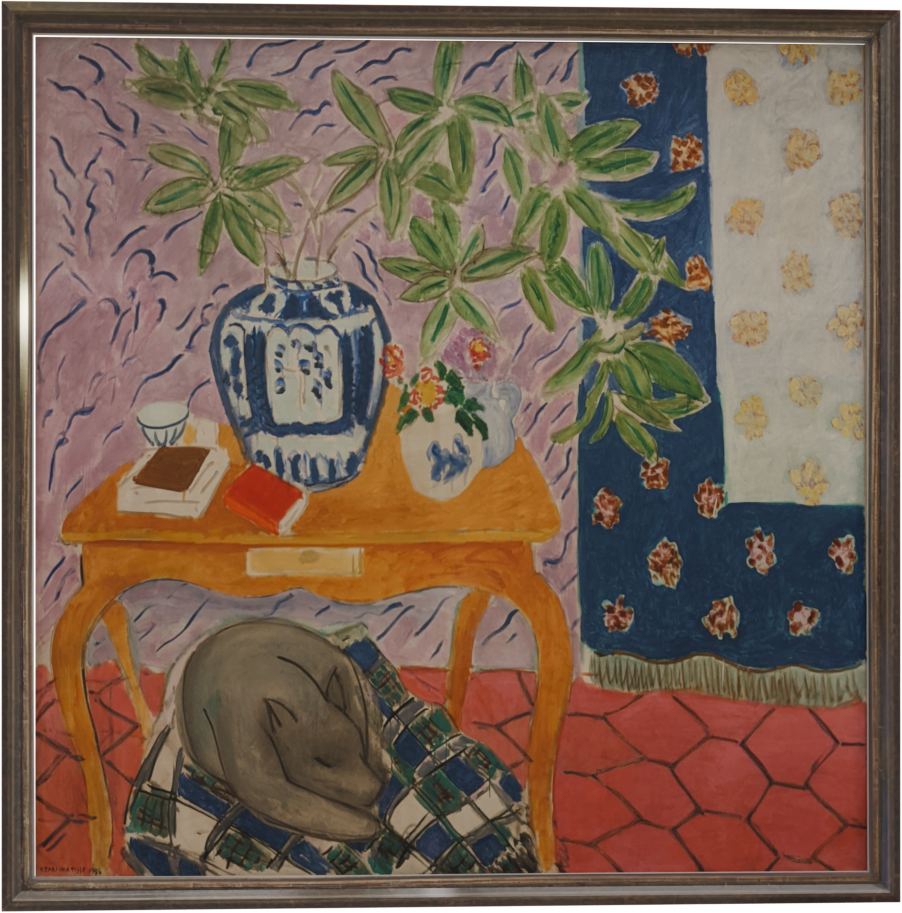
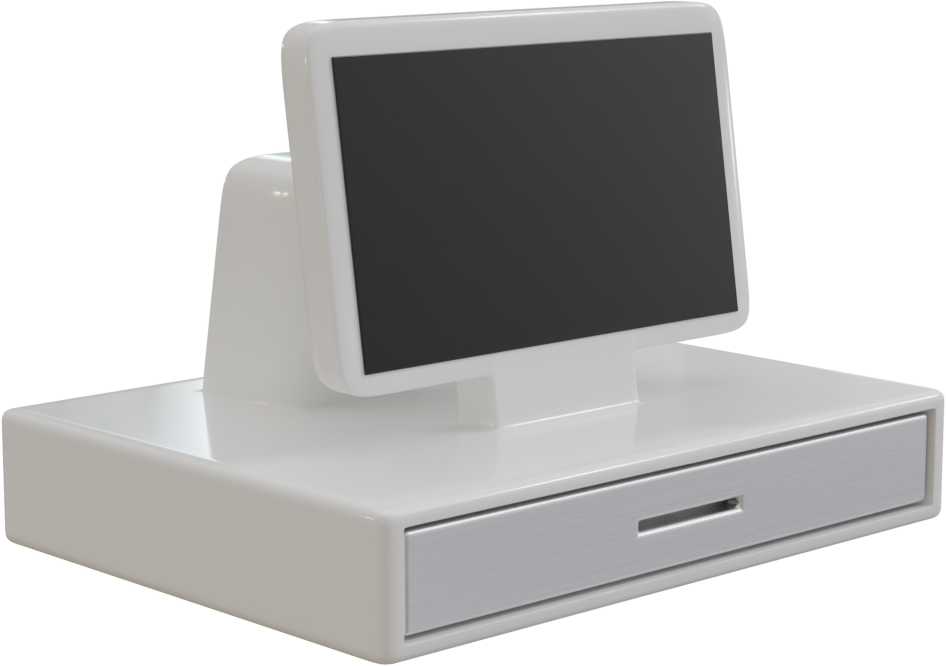
I got some help from the following BlenderKit assets, mostly for materials and background objects:
Keeping the menu clear and readable during animations turned out to be trickier than I thought. A lot of trial and error went into the layout of the screens and what kind of information can be presented. Some of my favorite ideas had to be cut because they got in the way of functionality. I’m pretty happy with the results, although I’m not sure how much of this can be achieved with current screen menu systems.